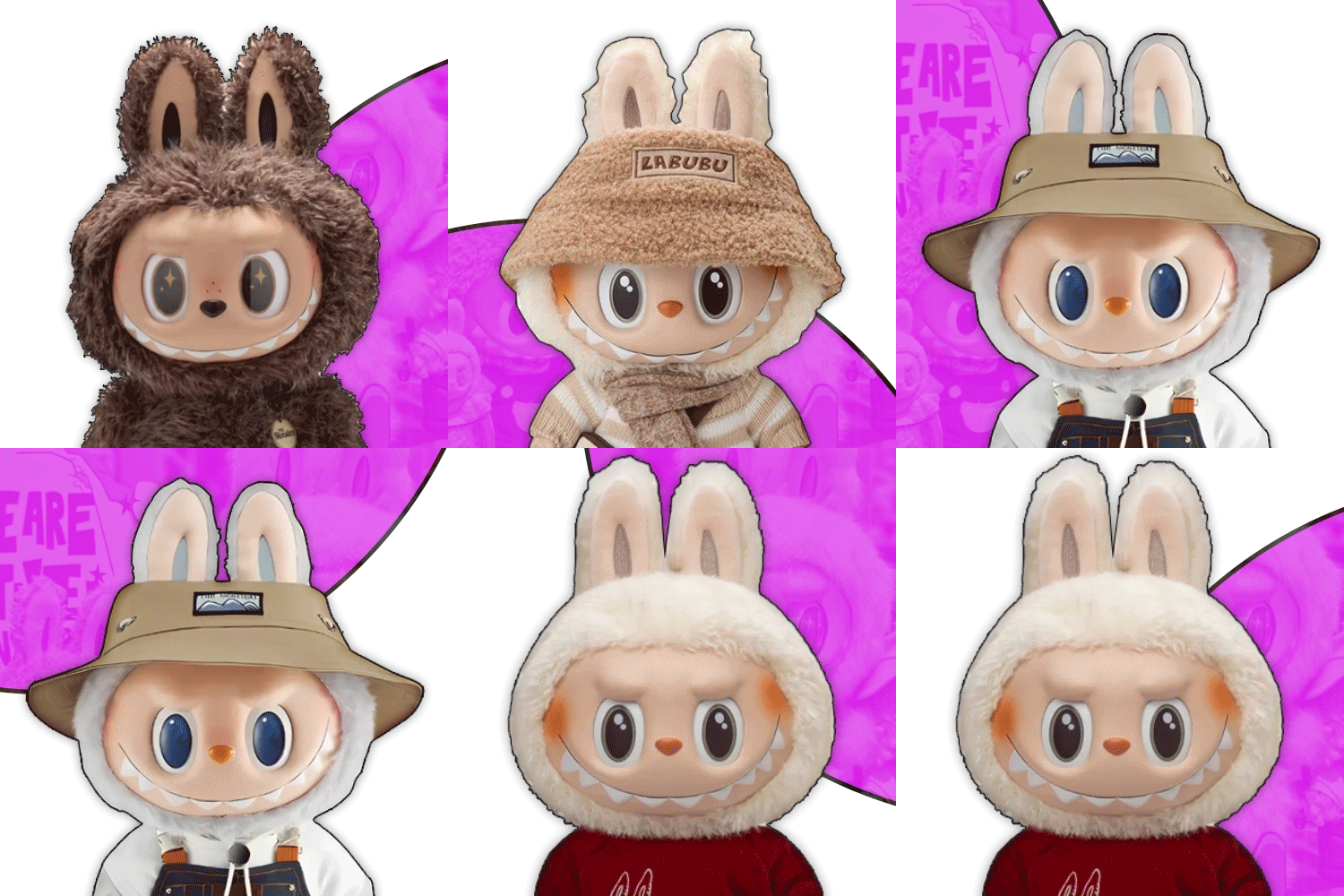
LABUBU CANVAS
LAYERS
100%
0°
X: 0, Y: 0
categories
−
backgrounds
−
info
−
Select assets to build your Labubu PFP! All elements including backgrounds, avatars, eyes, noses, mouths, and accessories can be moved, resized, rotated, and positioned. Use the layer panel controls or keyboard shortcuts for precise adjustments. Accessories can overflow off the canvas for creative effects!
Feature Guide:
- Canvas Area: Main workspace where you build your PFP
- Layer Panel: Manage layers, positioning, scaling, and rotation
- Asset Categories: Backgrounds, avatars, eyes, noses, mouths, accessories
- Upload Custom Images: Add your own images to any category
- Positioning: Use arrow keys or buttons for precise 5px movements
- Scaling: Use +/- keys or buttons to resize elements (all elements including backgrounds)
- Rotation: Use R/T keys or buttons to rotate elements
- Layer Management: Reorder, hide/show, and delete layers
- Export Options: Download as PNG or copy to clipboard
- Mobile Support: Touch and drag elements, use layer panel for controls
- Keyboard Shortcuts: Arrow keys (move), +/- (scale), R/T (rotate), 0 (reset scale), Y (reset rotation)
Pro Tips:
- Background Control: Move and resize backgrounds freely to create unique effects and compositions
- Layer Order: Use the layer panel to arrange elements in the perfect order
- Creative Positioning: Let backgrounds and accessories overflow the canvas for dynamic compositions
- Quick Reset: Use 0 to reset scale and Y to reset rotation instantly
- Precise Control: Hold Shift while scaling for finer adjustments
- Export Quality: Your PFP exports at full 400x400 resolution